
Singapore passport
Prepare your Singapore passport photo at home.
IC Photo Go SG · Singapore
Take or choose a photo, check the framing, and save it for your application.
Photo converter
Select your photo here, then download IC Photo Go SG to crop, clean the background, resize, and save it in the app.
Your photo stays in your browser on this page. The final conversion happens in the app.
IC Photo Go SG (IC Photo Singapore+)
IC Photo Go SG is your trusted app for creating ICA-compliant passport and NRIC photos from the comfort of your home. Recommended by users and recognized for its precision photo editing, this app eliminates the hassle of visiting photo booths or waiting in queues.
Designed to meet the Immigration & Checkpoints Authority (ICA) of Singapore’s official requirements, IC Photo Singapore helps you generate high-quality, passport-size photos that are ready for submission — whether for Singapore NRIC, passport, or visa applications.
Skip the stress and get perfectly formatted photos with ease. IC Photo Singapore+: the go-to passport photo app in Singapore, trusted for convenience, compliance, and quality.

Ensure your Singapore passport or NRIC photo has even lighting on your face. Avoid harsh shadows or bright spots that may lead to rejection under ICA photo guidelines. The IC Photo Singapore app helps you achieve well-balanced lighting effortlessly.
Use a plain white or light grey background. Avoid busy or cluttered backgrounds that can cause your passport photo to be rejected. With IC Photo Singapore, background cleanup is done automatically.
Stand at a neutral distance from the camera with your face fully visible. Avoid tilting your head or shoulders. The IC Photo Singapore app helps with proper alignment and framing for passport and NRIC submissions.

IC Photo Singapore+
No per-photo charges - create, save, and print as many as you need!
Professional IC Passport SG Photos
Quickly create your IC photo with just a few taps.
Follow our straightforward instructions to ensure your IC photos meet official standards.
Singapore document photos
Prepare your Singapore passport photo at home.
Create an IC photo with clear framing and a clean background.
Prepare a photo for your Singapore visa application.
Create a photo for your driving licence application.
Prepare a photo for an Employment Pass or S Pass.
Create a photo for a PR or Student Pass application.
Digital and printed photos for ICA photo submissions.
IC Photo Go SG
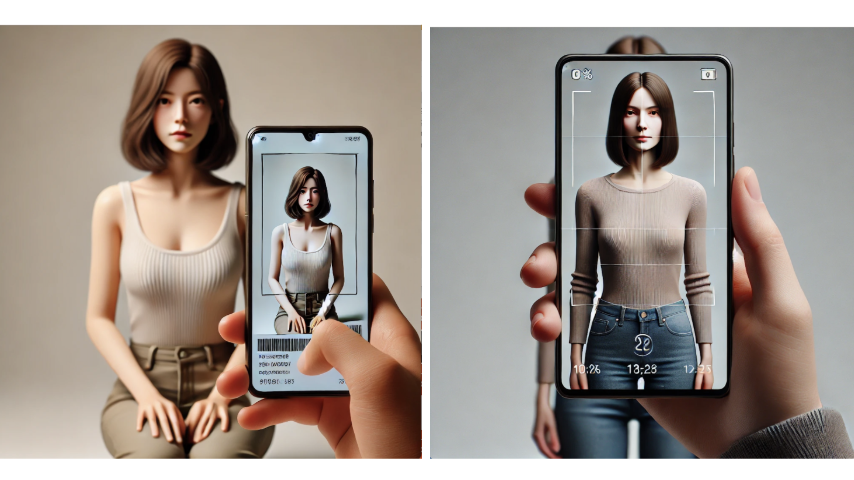
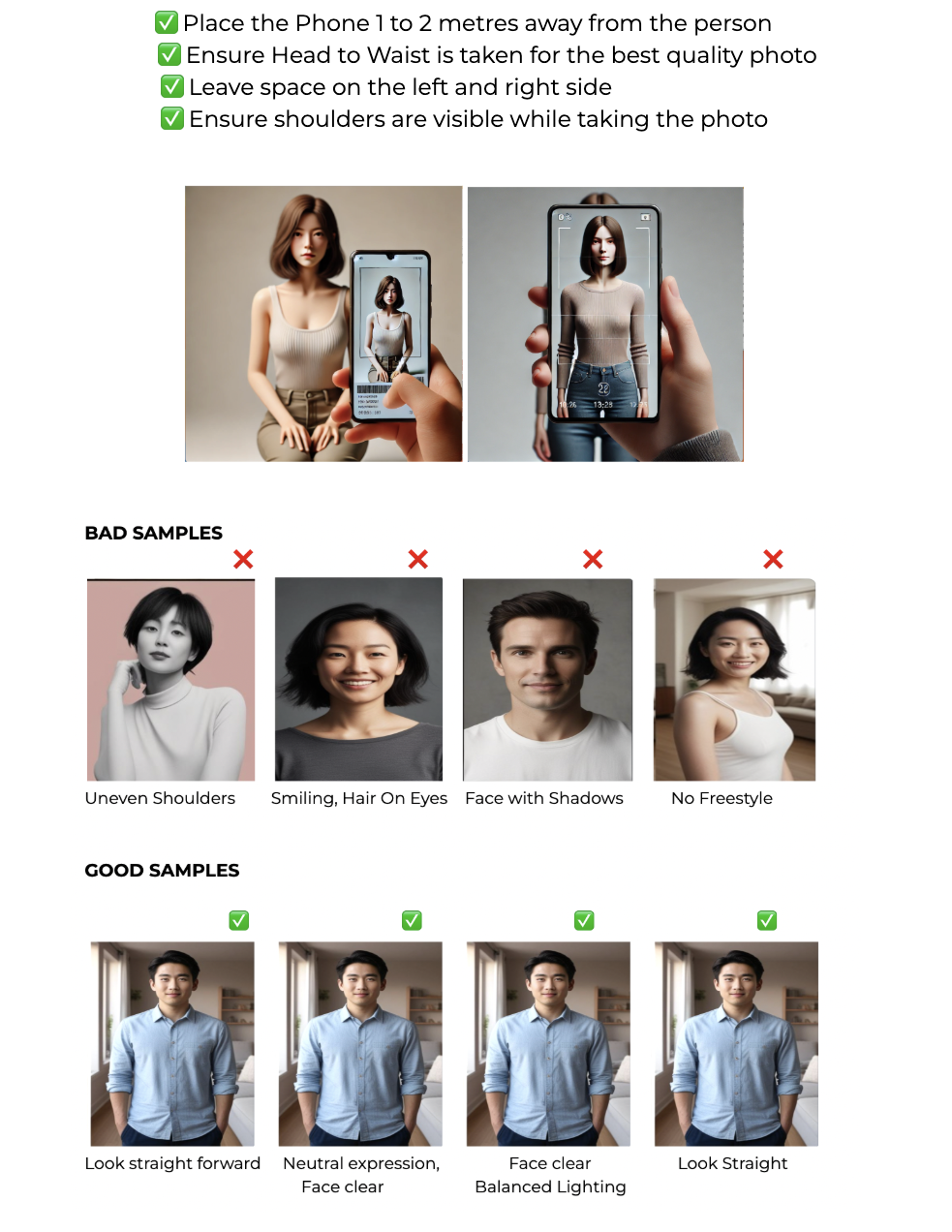
You can take multiple photos. For the best results, align yourself using the positioning guidance.
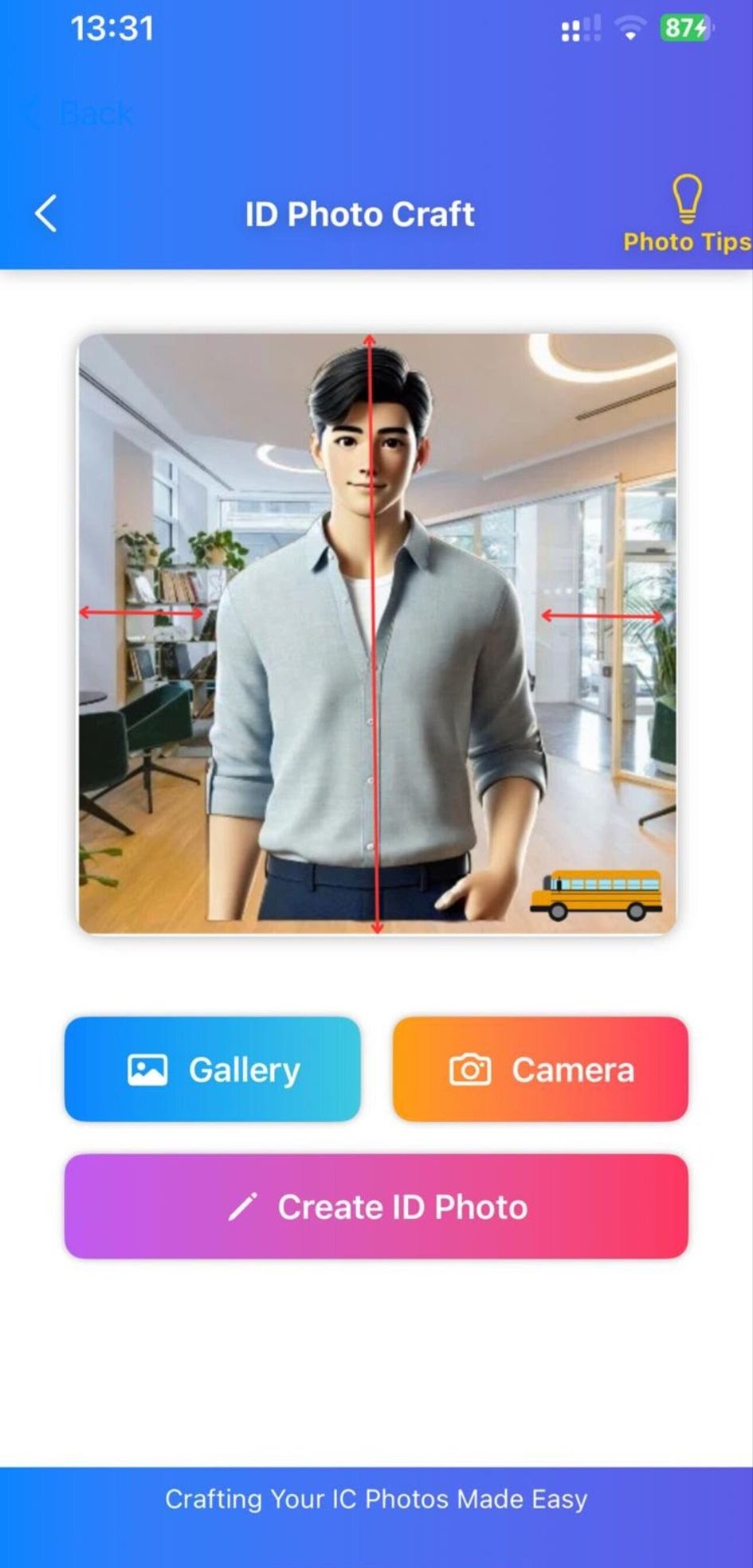
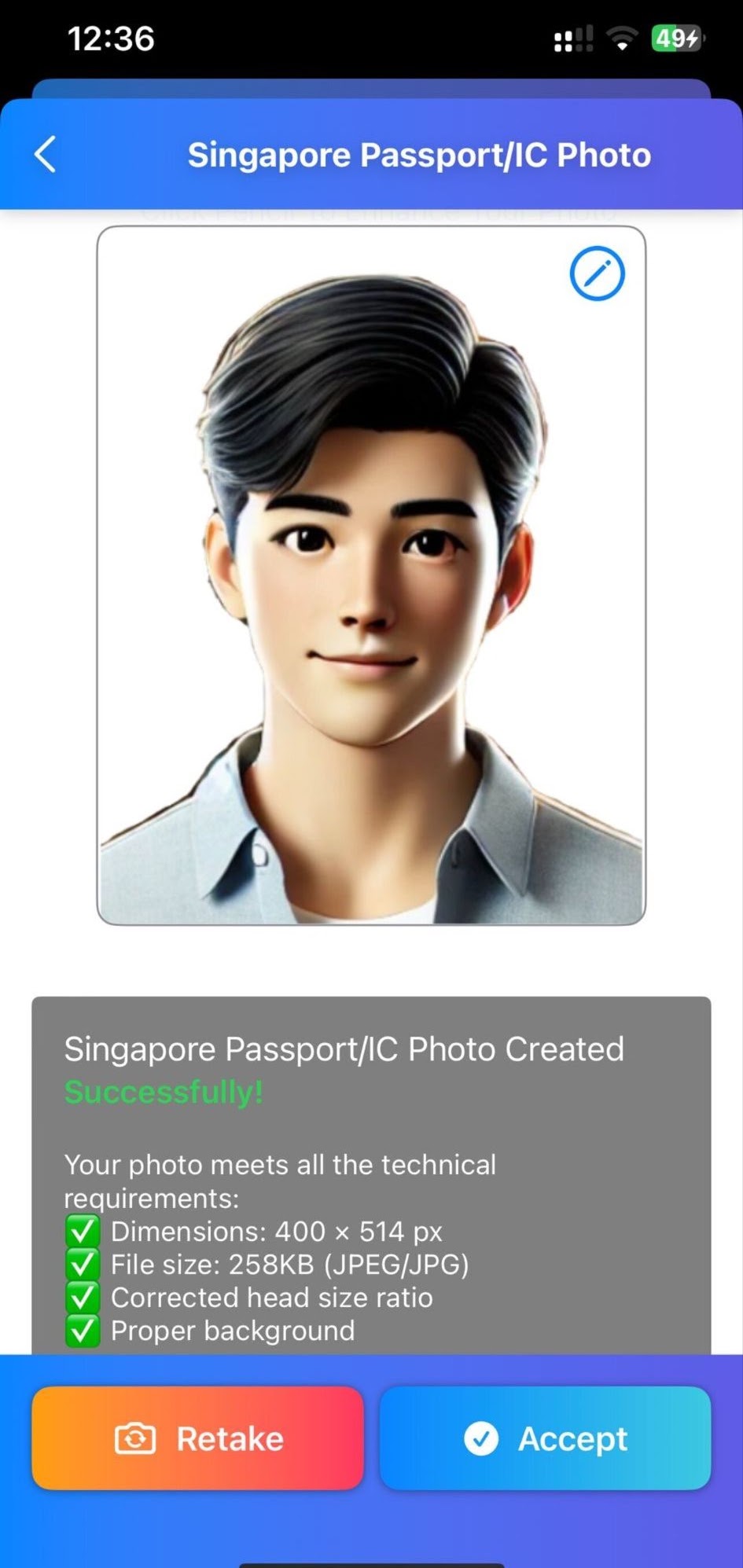
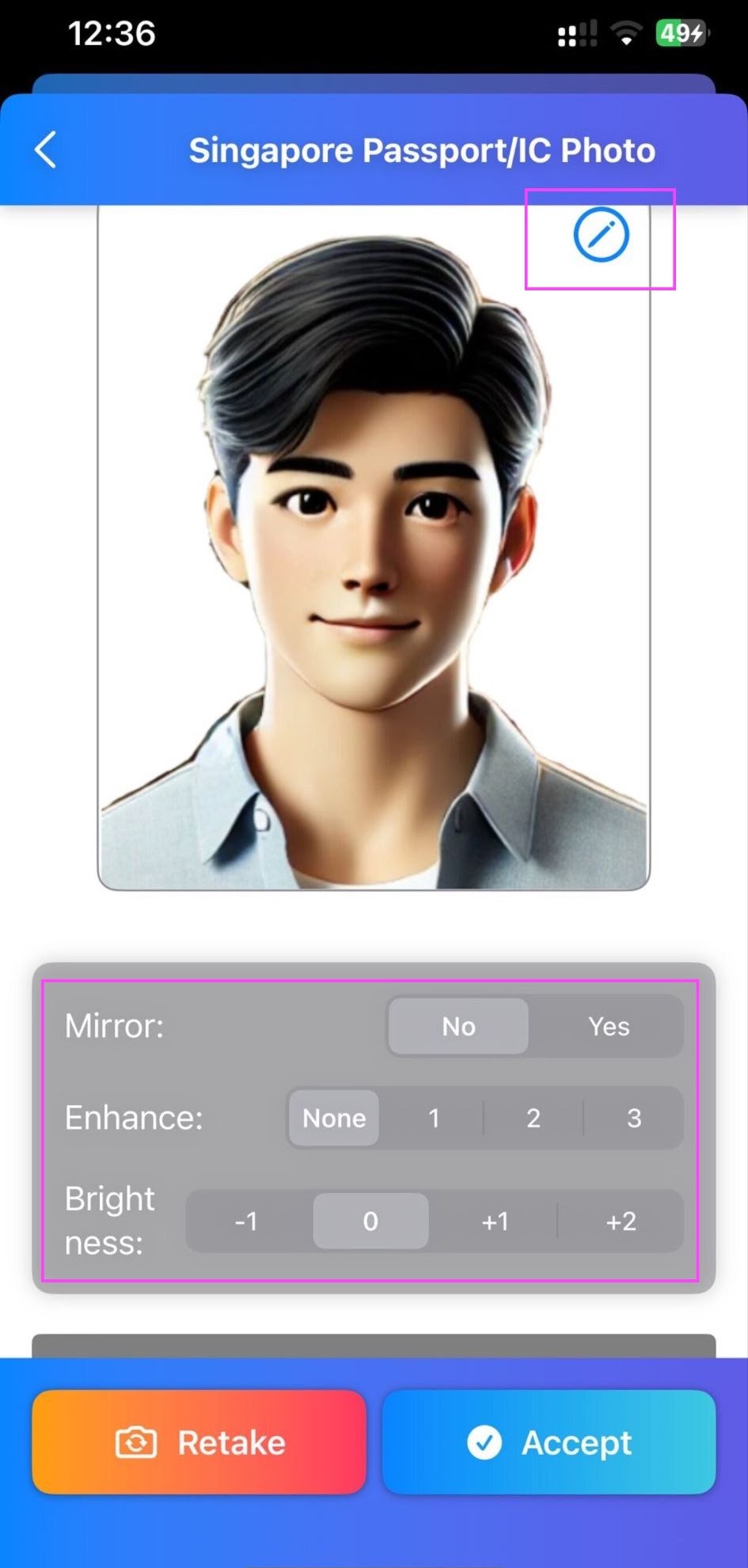
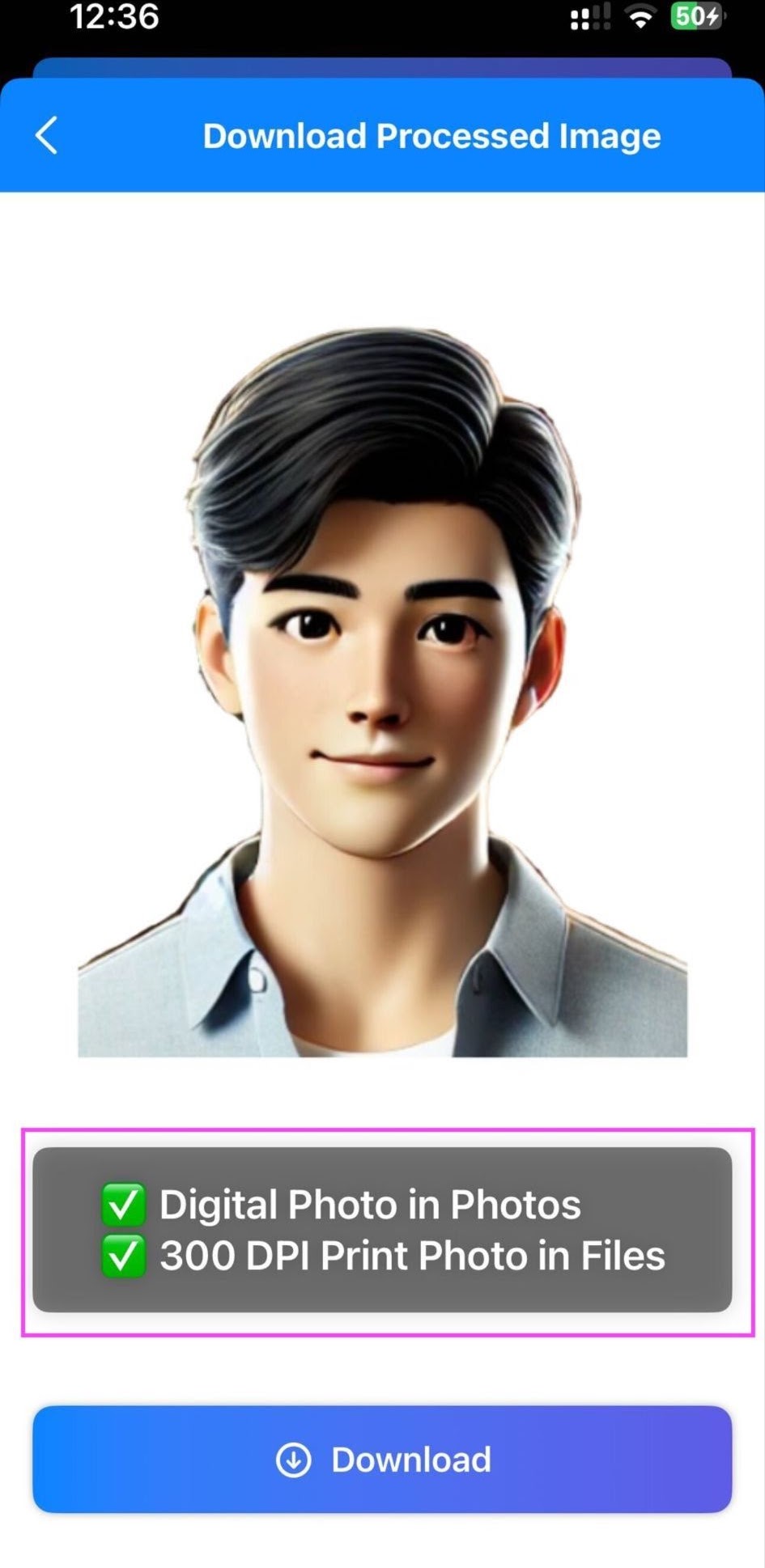


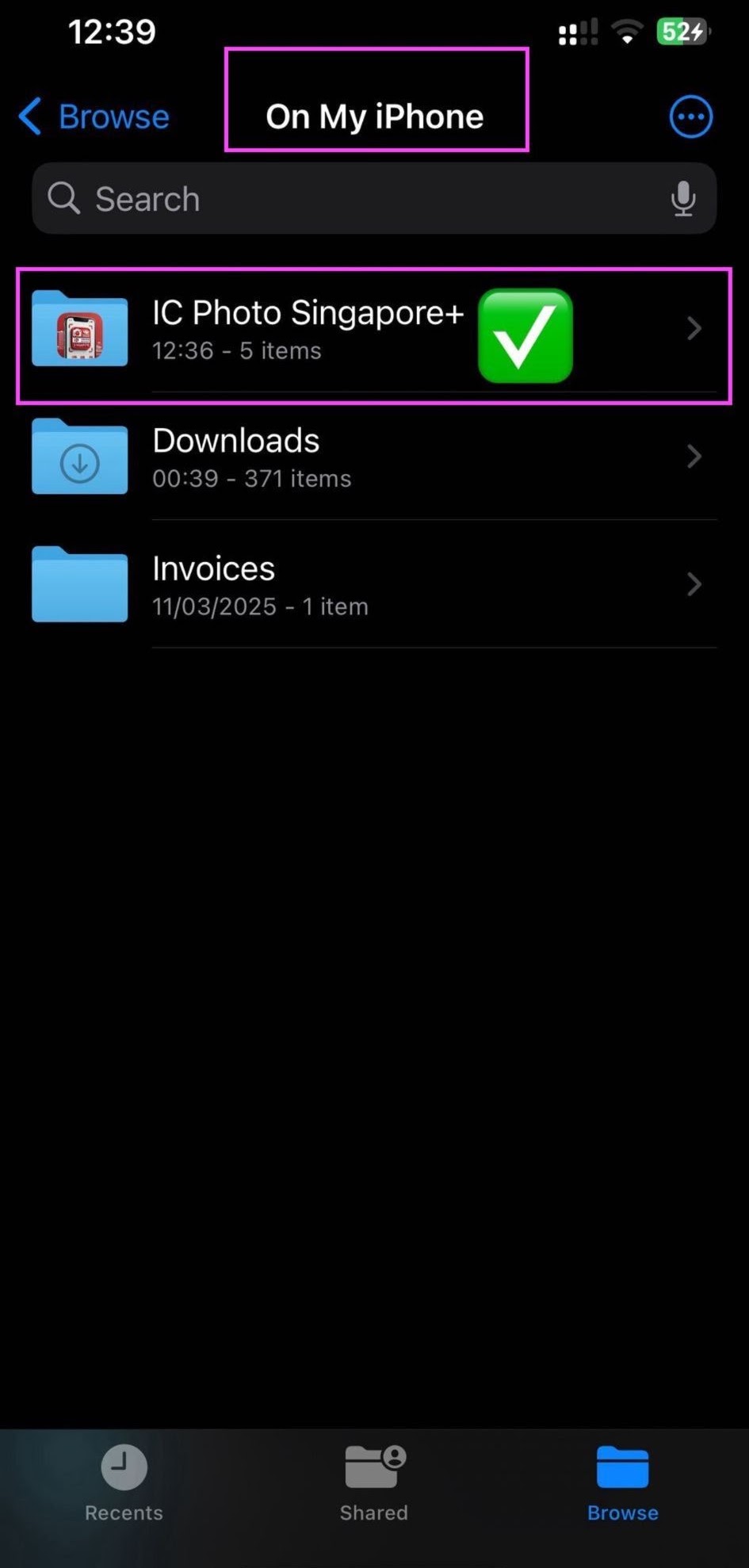

| EXPRESSION Neutral Expression | Photo Size 35 × 45 mm | Photo Pixel 400 × 514 px | Photo DPI 300 / 600 DPI |
| Head Height 25 – 35 mm | Background Color Must be in white | Recency Taken in the last 3 months for a Singapore passport application | Smile No smiling |
| Glasses Not allowed to alter your appearance in any way | Eyes and Ears Visible, no hide | Shadows Not allowed | Posture Stand straight and look directly into the lens |
A Singapore passport photo needs to be 35 mm wide and 45 mm tall (3.5 cm × 4.5 cm). When applying online, your photo should be 400 × 514 pixels.
Smiling is not permitted in a Singapore passport photo. You must maintain a neutral expression without showing your teeth.
To make sure your Singapore passport photo is accepted, avoid these common mistakes:
When taking a passport photo in Singapore, it's important to dress appropriately. Avoid sleeveless tops, off-shoulder garments, hats, and any other types of headwear, except for those worn for religious reasons.
Photo guides
Check visibility, glasses, image quality and natural appearance before saving your photo.
Prepare an evenly lit photo with a clean background and straight positioning.
Photo dimensions, expression and clothing guidance from IC Photo Go SG.